Android
- Open app.bldng360.com/mobile.html in Chrome.
- In the browser menu, choose “Install app” or “Add to Home screen” if available.
- Open the shortcut and sign in.
 BLDNG360 BUILDING & COMPOUND MANAGEMENT
The phone app comes through Google Play and the App Store. Until it is published, open the phone interface in your browser. Residents and staff use the credentials provided by building management.
Open BLDNG360 app Try the tour without an account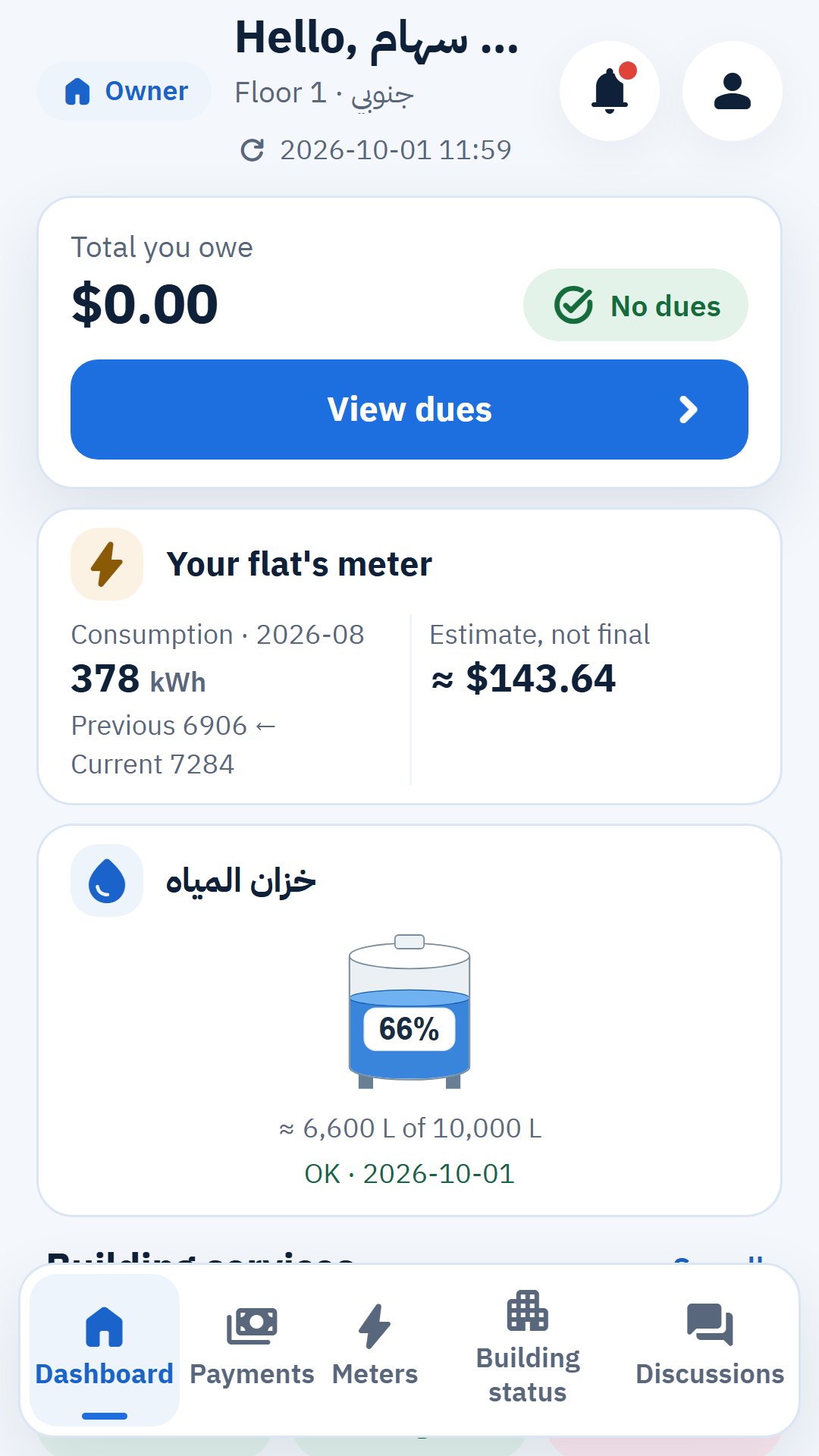

Installation options vary by browser and phone version. Open the site directly in your phone browser.
The Android and iPhone apps are not in the stores yet. Use the phone web interface until they are published.
One building or an entire compound. Explore the interfaces, then prepare your needs for a suitable demonstration.
